Stand out with perfect email template designs


More email template designs
People love PosterMyWall
-
“
This product allows me to create art work for my business that I never would be able to do on my own or would take me hours that I just don't have. Easy to use and really flexible.
 Lyn ThanapiyawiwatReal Estate Agent
-
“
I have designed flyers for both educational and social events, and I created a video for my high school alumni association. I love the versatility of the software and ease of use.
Dorothy BEvent Coordinator -
“
DIY menus for Skye’s Cafe. Thankyou to PosterMyWall for making it so simple and easy to do online!
Stacie Jane PalmerCafe Owner


Read customer reviews
How to create an email campaign
-
Choose an email template
Choose from thousands of professionally designed email templates for any business, event, or occasion.
-
Personalize your email with easy tools
Add your logo, images, videos, fonts, stickers, audio clips, and more. Use Brand Kits for consistent, on-brand designs.
-
Preview your email or download HTML
Download the email HTML for free or preview your email on desktop, tablet and mobile to see how it would look on different screens.
-
Publish your email campaign
Add a mailing list and send your email straight from PosterMyWall.
Featured email templates for all needs


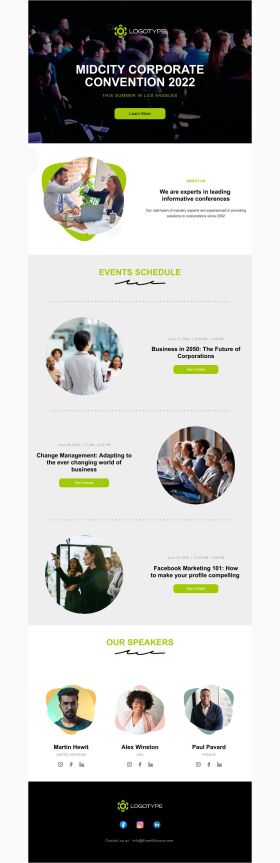


Announcement

Back in Stock

Coming Soon

Daily Specials
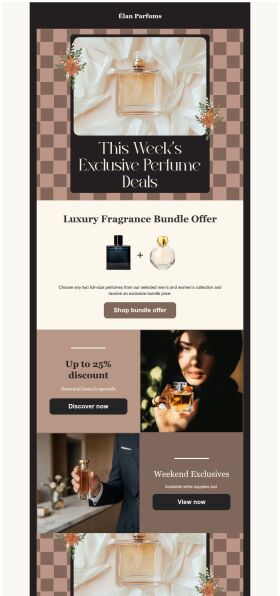
Deals and Bundles
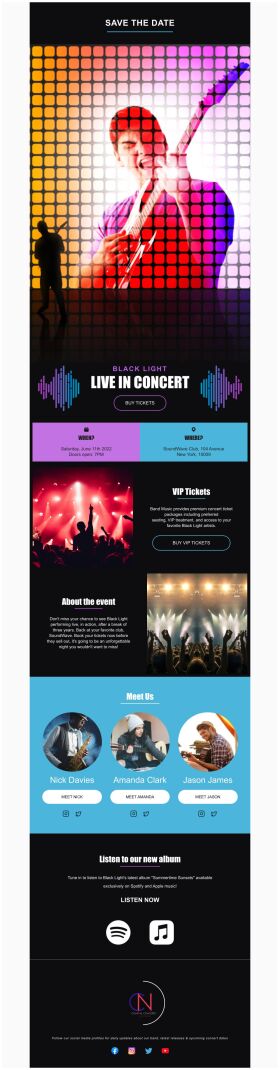
Event Promotion

Event Schedule
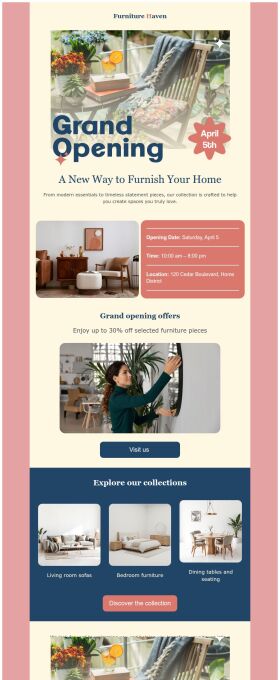
Grand Opening


Frequently asked questions
What types of email templates are available?
PosterMyWall has a huge email templates library, for different themes and occasions. Here are a few examples of different themes available in our email template library: Corporate, Environment, Fitness, Party, HealthCare, Travel and many more.
How to send a mass email?
You can send mass emails if you’re subscribed to the Premium or Premium Plus plan, you can send 3,000 emails and 10,000 emails per month respectively with PosterMyWall’s Email Marketing Platform.