Open accessibility menu Skip to page content

Manage RSVPs and guest lists for your events

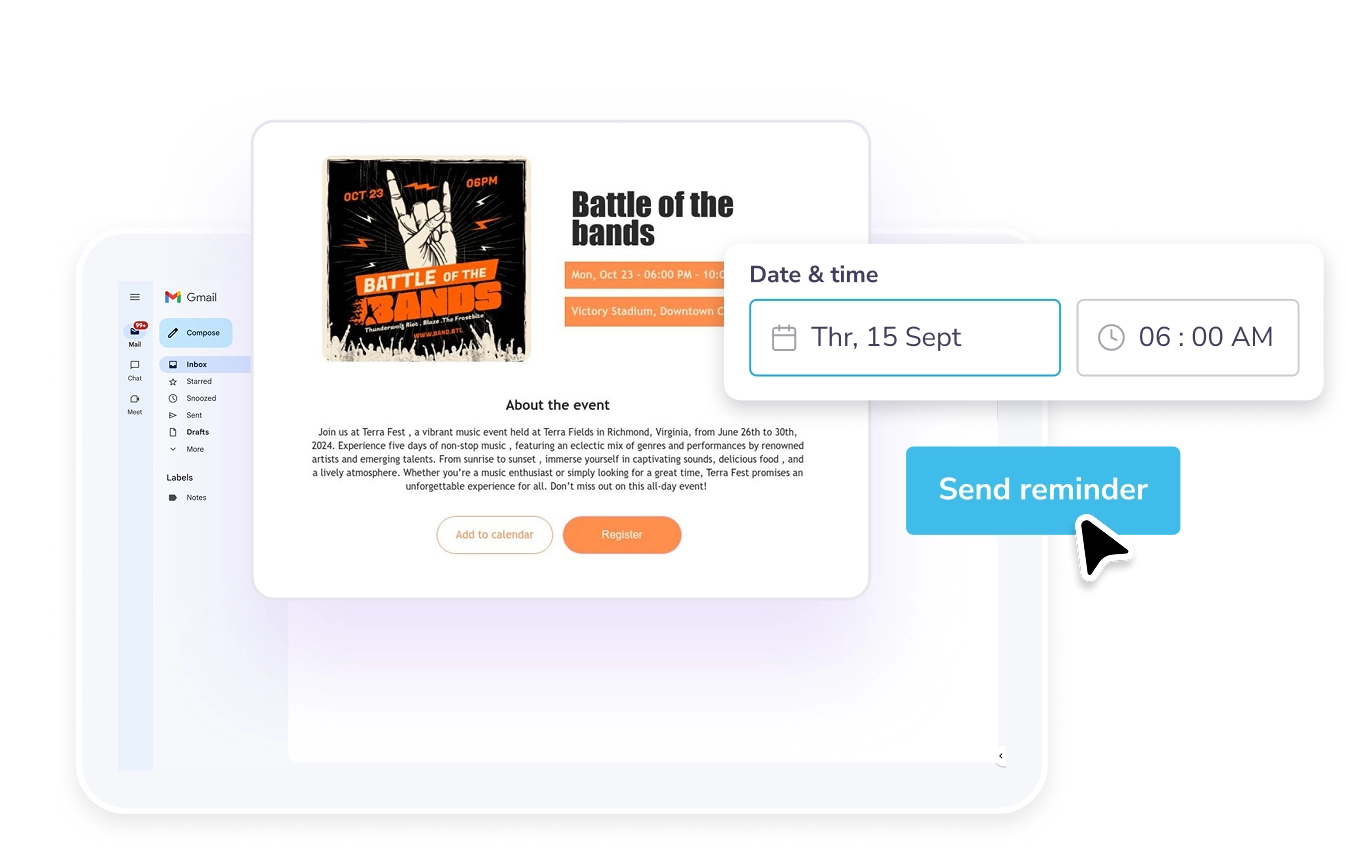
Your event page works behind the scenes, guests RSVP in a click, and you get a clean, organized list. Signups? Sorted. Reminders? Sent. You? Stress-free.

Manage RSVPs and guest lists for your events

Your event page works behind the scenes, guests RSVP in a click, and you get a clean, organized list. Signups? Sorted. Reminders? Sent. You? Stress-free.

Manage RSVPs and guest lists for your events
How to collect and manage RSVPs

How to collect and manage RSVPs

  • Create an event page

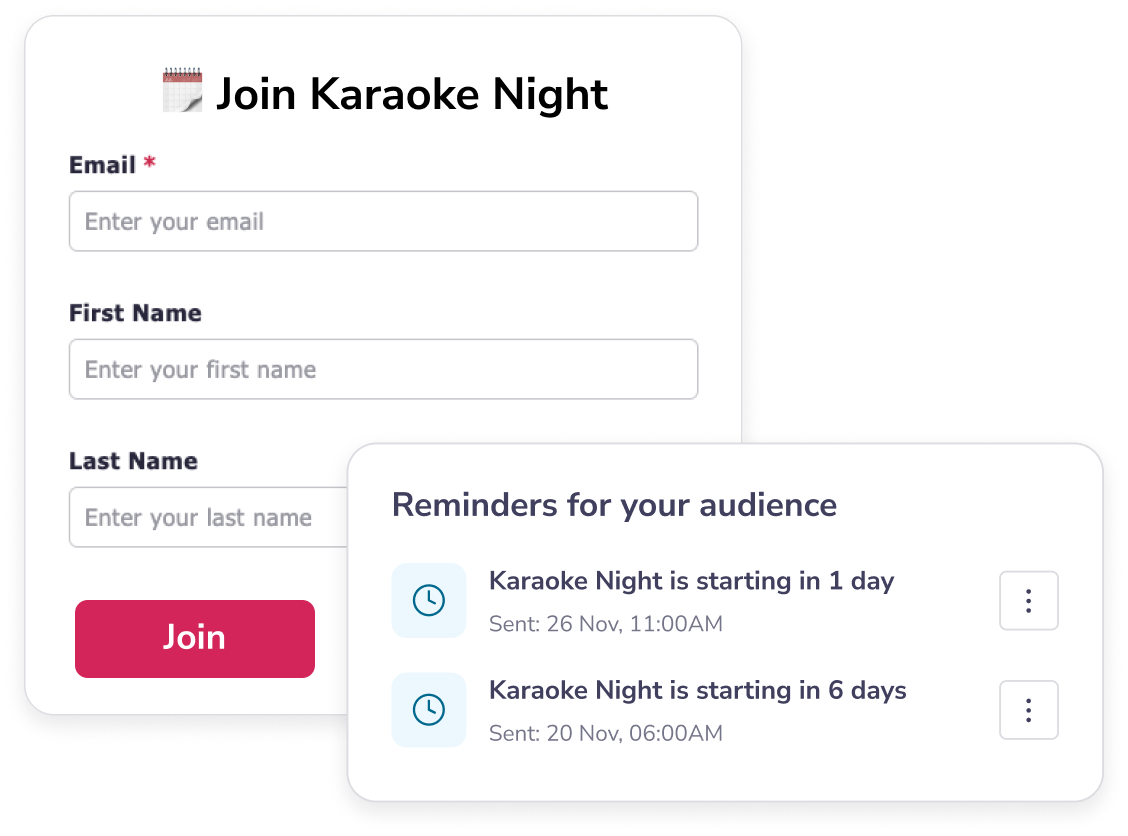
    When you set up your event, choose what guest details you want to collect like email, name and phone number.

  • Manage the list

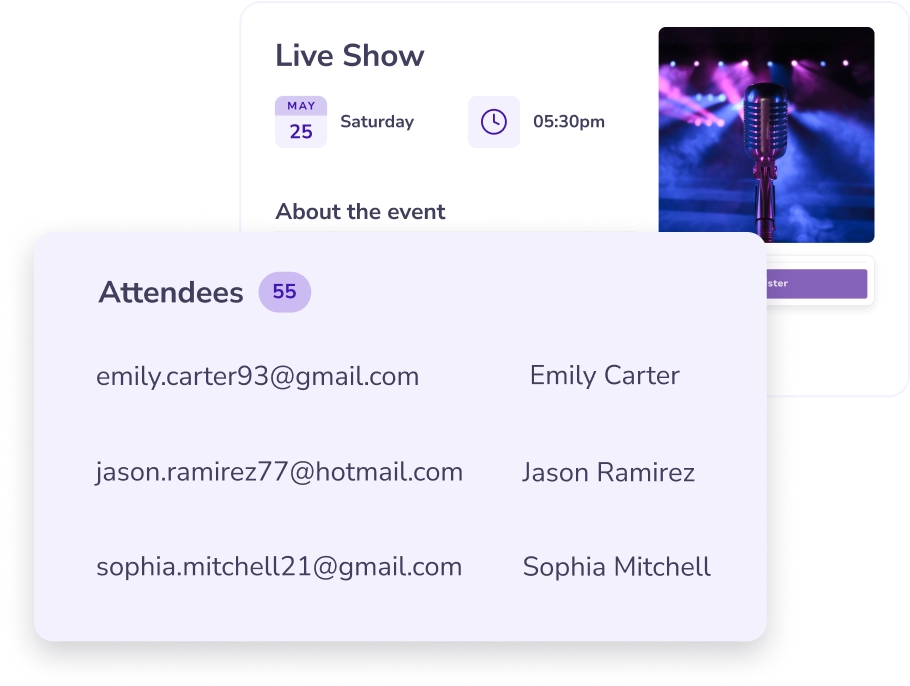
    Once people RSVP, their info shows up in a clean, organized guest list. You can also access your mailing list anytime from the "Audience" tab.

  • Send reminders

    Set up automatic email reminders so your guests stay in the loop.
Track RSVPs on a simple dashboard

Track RSVPs on a simple dashboard

  • Collect names, emails, and phone numbers to see who's coming.

  • Export your full guest list as CSV from the "Audience" tab in "My Stuff."

Send automated email reminders

Send automated email reminders

  • Schedule email reminders to go out days or hours before your event.

  • Keep guests engaged with updates, links, or last-minute changes.

  • Share on socials to reach even more people.

Frequently asked questions

How do guests RSVP to an event on PosterMyWall?

Guests just click the register button on your event page and add their contact details on a signup form.

Where can I see who's attending?

Switch to the "Manage" section of your event page to see your full guest list in one place.

Can I send reminders to people who RSVP on PosterMyWall?

Yes! You can set up automatic reminder emails and even send last-minute updates.

Can I export my RSVP list?

Absolutely. Head to the "Audience" tab and download your guest list as a CSV.